Get Your Google Ads Account Ready for Your First Campaign
Follow the steps below to create a new Google Ads account for your business.
Step 1
Search for Google Ads on Google.

Step 2
Click on the link to Google Ads. Be sure to check the address.

Step 3
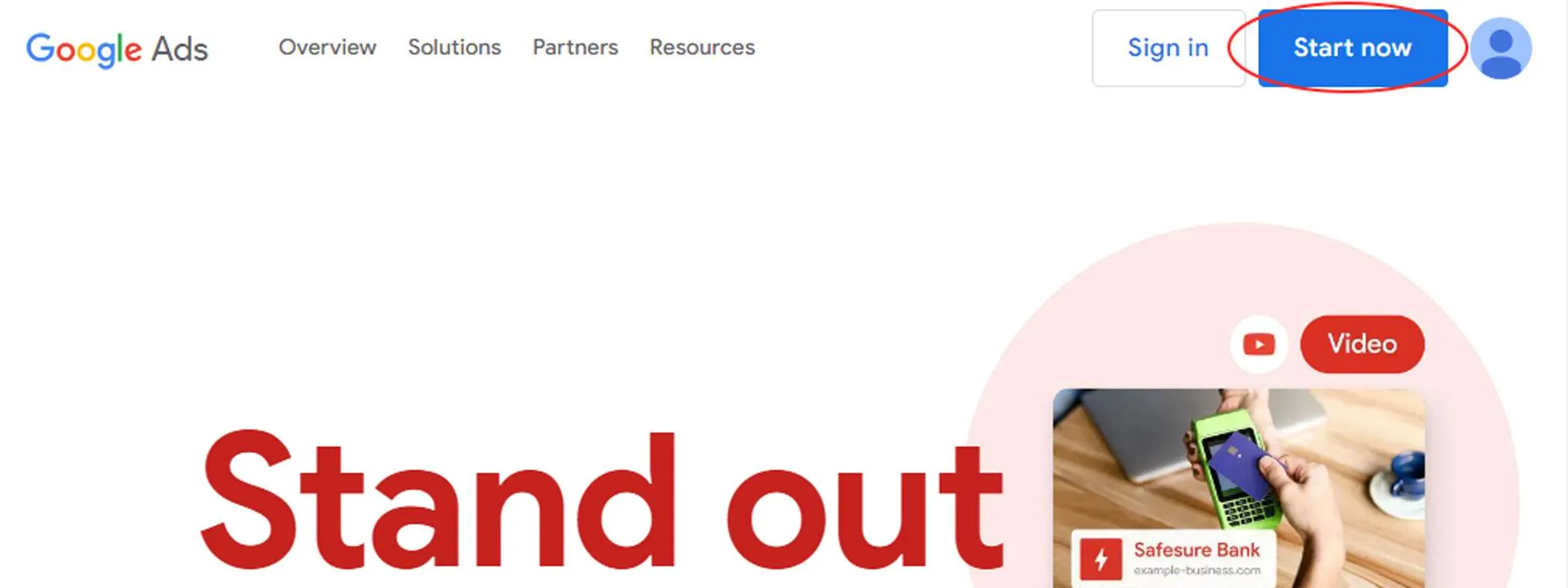
Click on the ‘Start Now’ button in the top right-hand corner.
Step 4
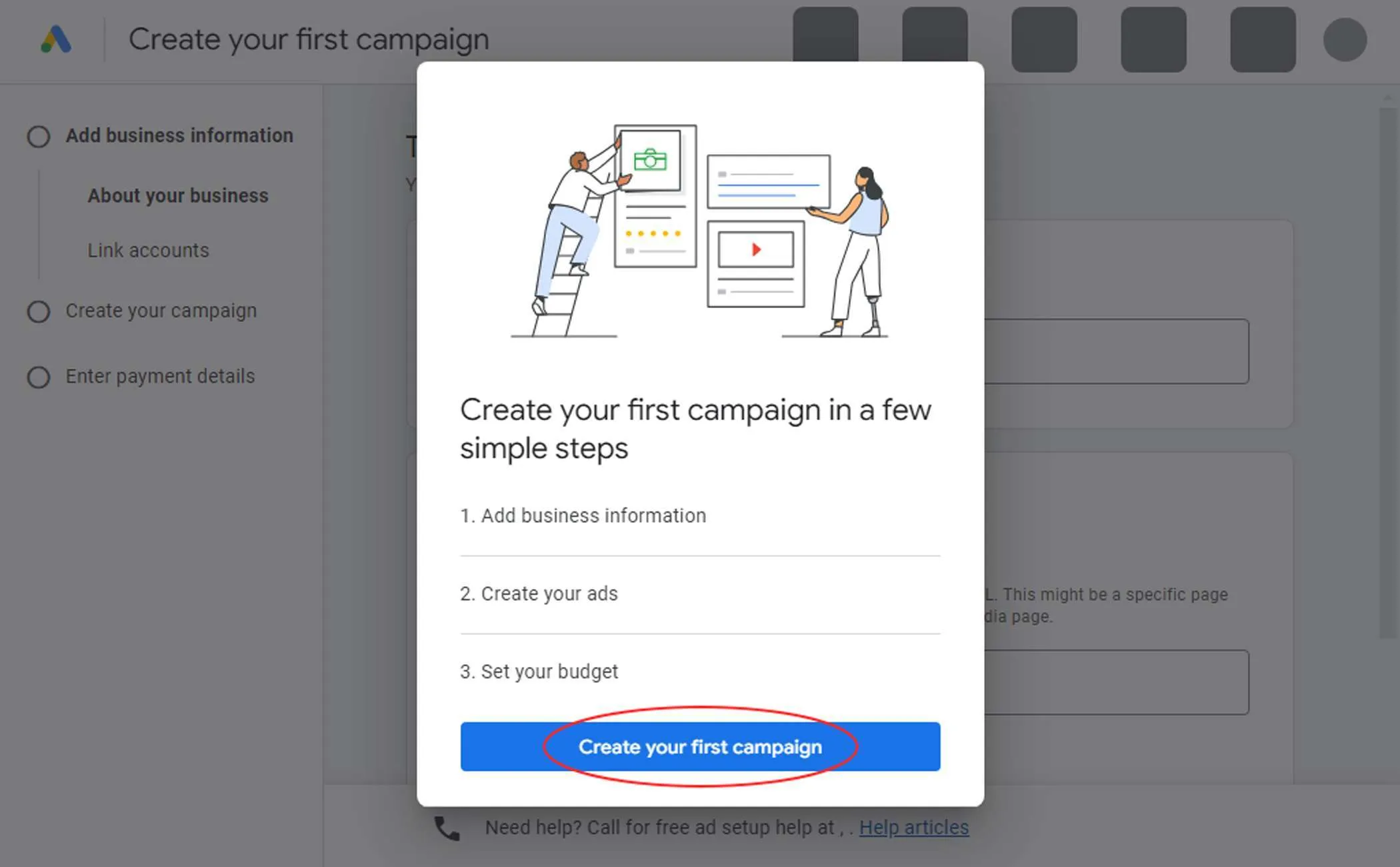
Click on ‘Create your first campaign’.
Step 5
Add your business name and paste in a link to your website. Then click on ‘Next’.

Step 6
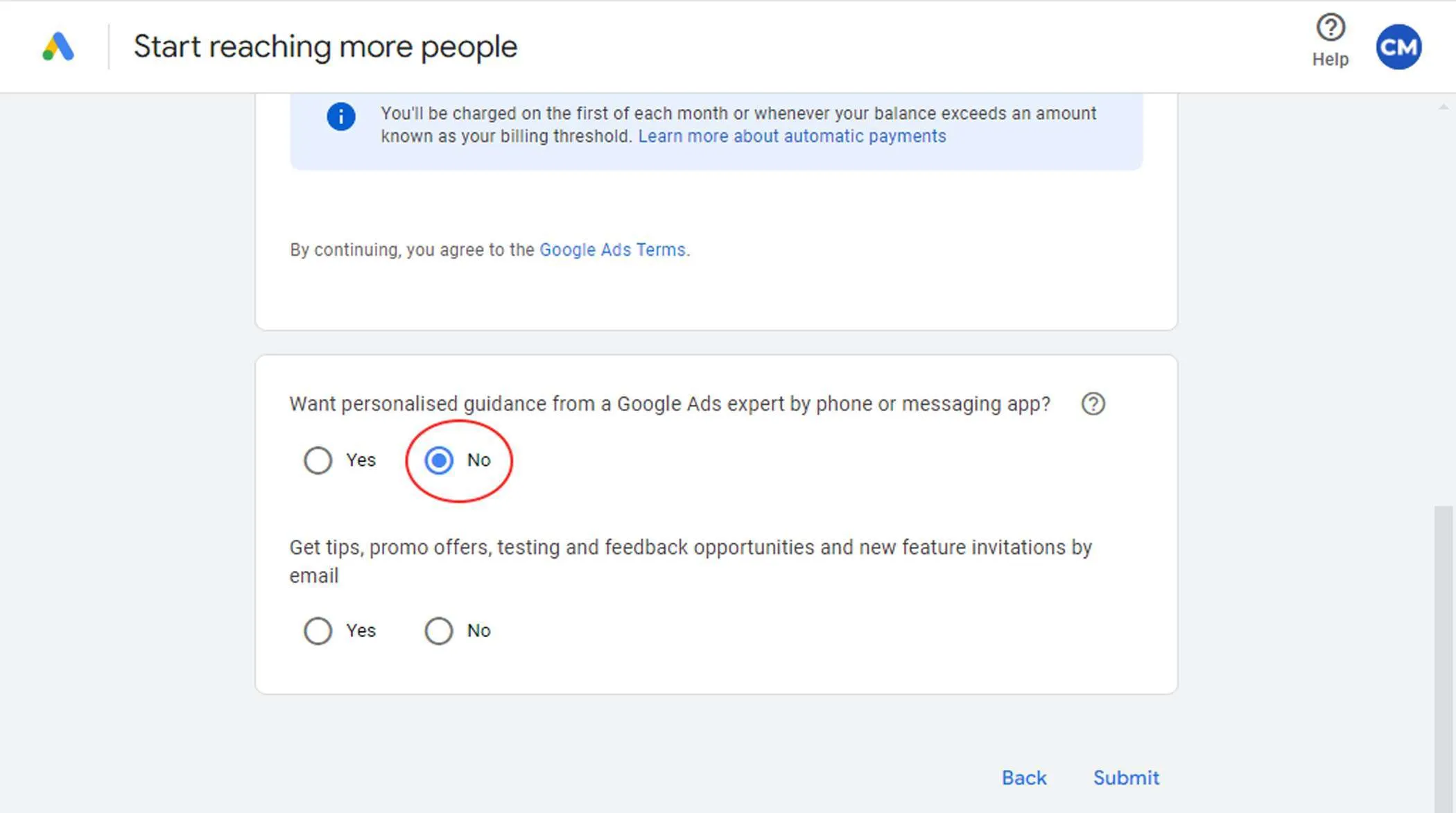
Check ‘No’ to receiving campaign guidance from a Google Ads expert by phone.
Step 7
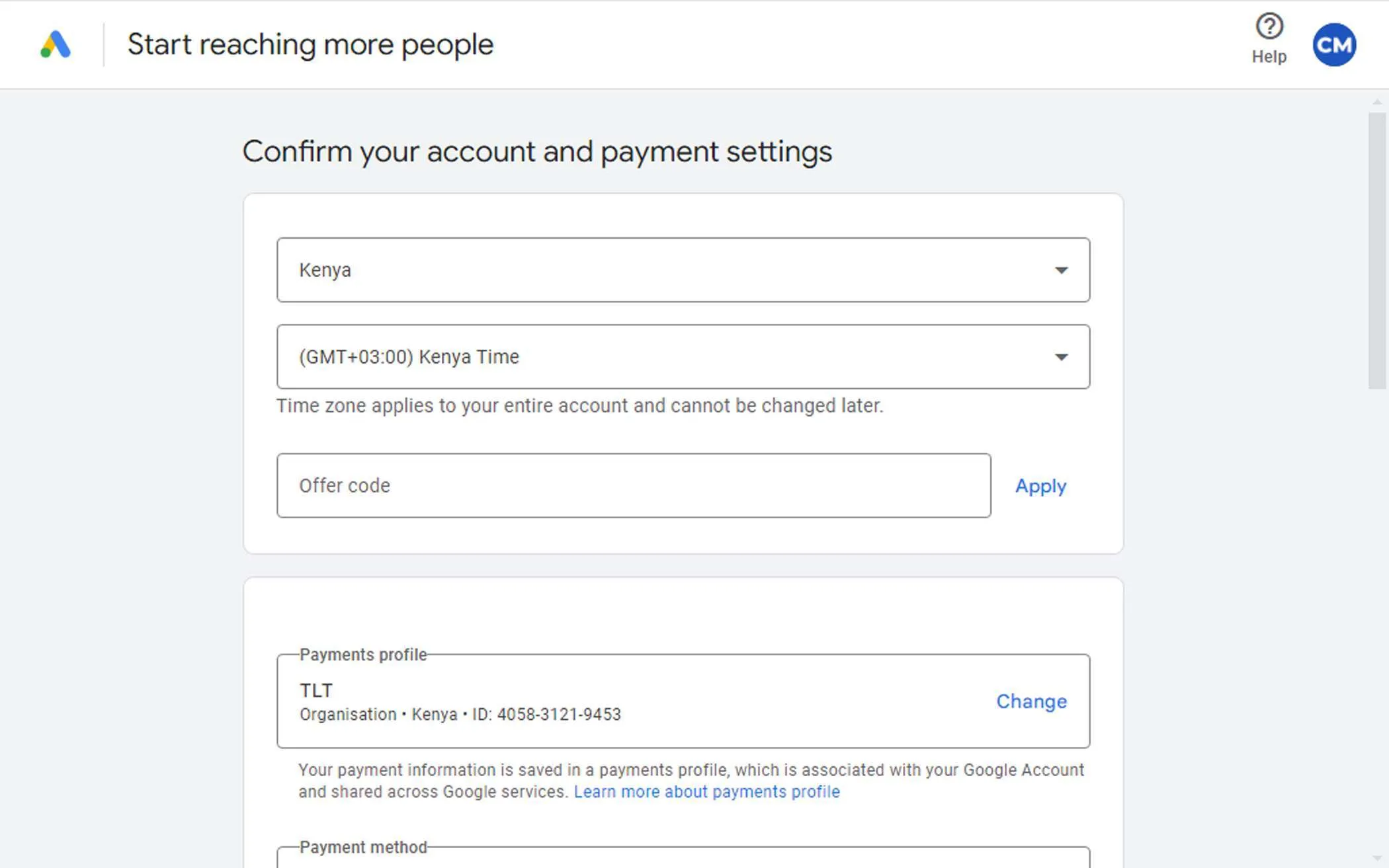
Complete the ‘Confirm your account and payment settings’ form.
You’ll select your country and time zone if necessary.
Step 8
Scroll down to ‘Payment method’ and add select your preferred option.

Step 9
Add your credit card details to complete the payment set up.

Step 10
Click on ‘Submit’.
Step 11
Click on ‘Explore your account’.
Your new account has been set up – congrats!
Step 12
Make a note of your Google Ads Account ID. You’ll find it in the upper right-hand corner.
Step 13
Send this number to your point of contact at Click Marketing.
Step 14
We will send a request to access your account. The request will be sent to the email address you used to set up your Google Ads account.
Please grant us access to the account and we will proceed to set up your campaigns.